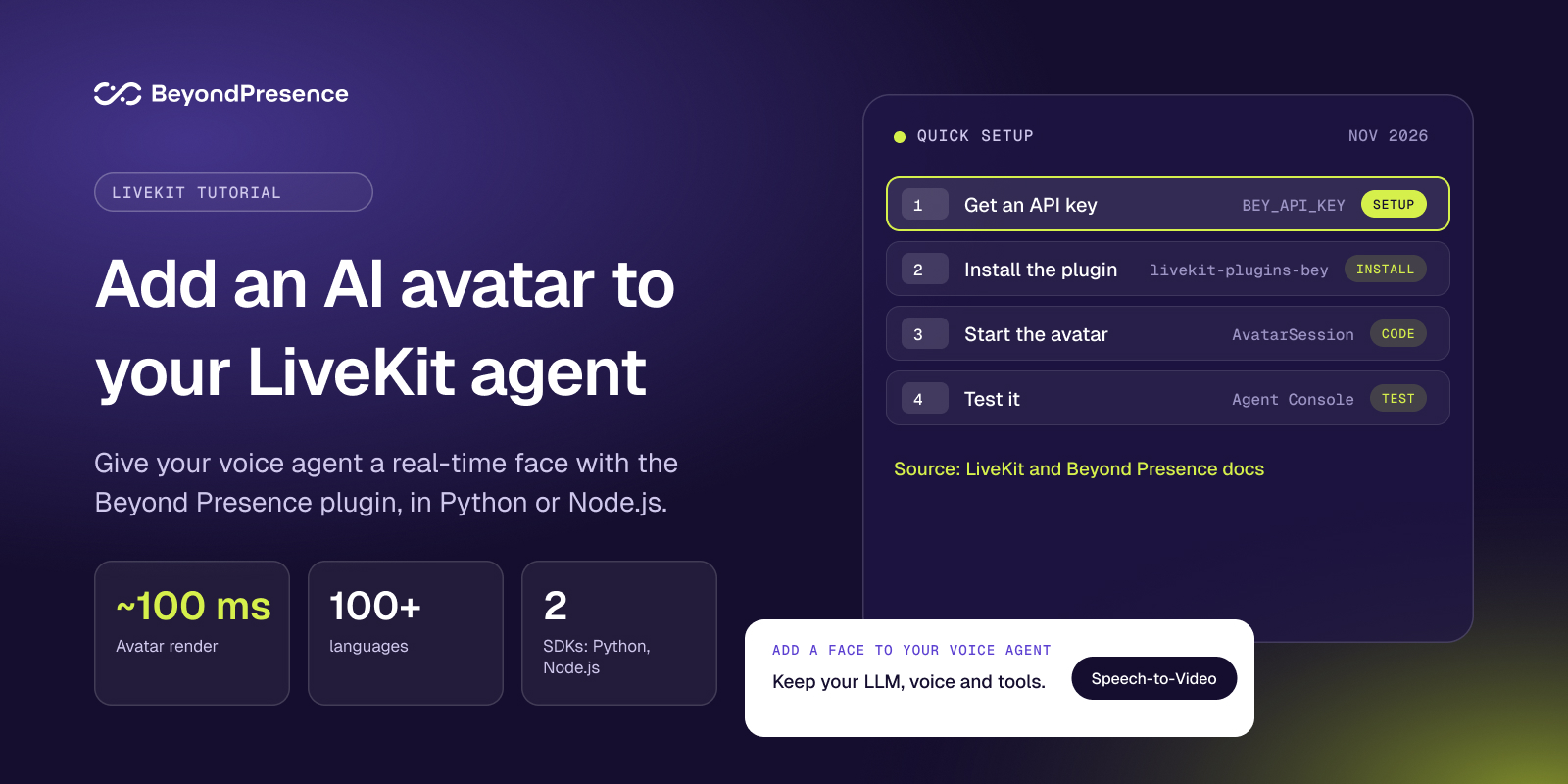
Step 1: Get a Beyond Presence API key
Sign up at app.bey.chat and generate an API key in your dashboard settings. Then set it as an environment variable or in your .env file:
BEY_API_KEY=your_key_here
Step 2: Install the Beyond Presence LiveKit plugin
Python:
pip install livekit-plugins-bey
You can also install it as a LiveKit Agents extra with uv add "livekit-agents[bey]".
Node.js:
pnpm add @livekit/agents-plugin-bey
Step 3: Start the avatar before your agent session
Python:
from livekit.plugins import bey
# session = AgentSession(...) # your stt, llm and tts setup
avatar = bey.AvatarSession(avatar_id="...")
await avatar.start(session, room=ctx.room) # waits for the avatar to join
await session.start(room=ctx.room)
Node.js:
import { voice } from '@livekit/agents';
import * as bey from '@livekit/agents-plugin-bey';
// const session = new voice.AgentSession({...}); // your stt, llm and tts setup
const avatar = new bey.AvatarSession({ avatarId: "..." });
await avatar.start(session, room); // waits for the avatar to join
await session.start();
avatar.start waits for the Avatar to join the room, then session.start begins the conversation.
Step 4: Choose your avatar
Pass an avatar_id (Python) or avatarId (Node.js) to choose a stock Avatar or your own custom Avatar. If you leave it out, the plugin uses a default Avatar.
You can also set avatar_participant_identity and avatar_participant_name to control how the Avatar appears in the room. Both default to bey-avatar-agent.
Step 5: Test it
Preview the Avatar in LiveKit's Agent Console or in a LiveKit frontend starter app. Talk to it and check that the lips match the voice and that replies feel natural.
How do you make a LiveKit avatar production-ready?
- Speed: the Avatar renders in about 100 ms, from audio in to first video frame, so most of the remaining reply time comes from your speech recognition, LLM and voice models. Pick fast ones. See latency.
- Languages: the Avatar speaks any language your text-to-speech provider supports, 100+ with Speech-to-Video (multilingual AI avatar). For German, see real-time German AI Avatars compared.
- Voice choice: swap ElevenLabs, Cartesia or another voice at any time without retraining the face, and keep your own LLM (bring your own LLM).
- Scale: 1,000+ concurrent conversations per deployment (concurrency).
- Data: persistent data stored in GCP Belgium and the Netherlands (data residency), with SOC 2 Type II audited controls. Private cloud and on-prem on Enterprise.
- Cost: Speech-to-Video costs €200 for 2,000 minutes, plus your own model costs. See pricing.
- Disclosure: tell users they are talking to AI. In the EU, Article 50 of the EU AI Act requires it.
Don't have a voice agent yet?
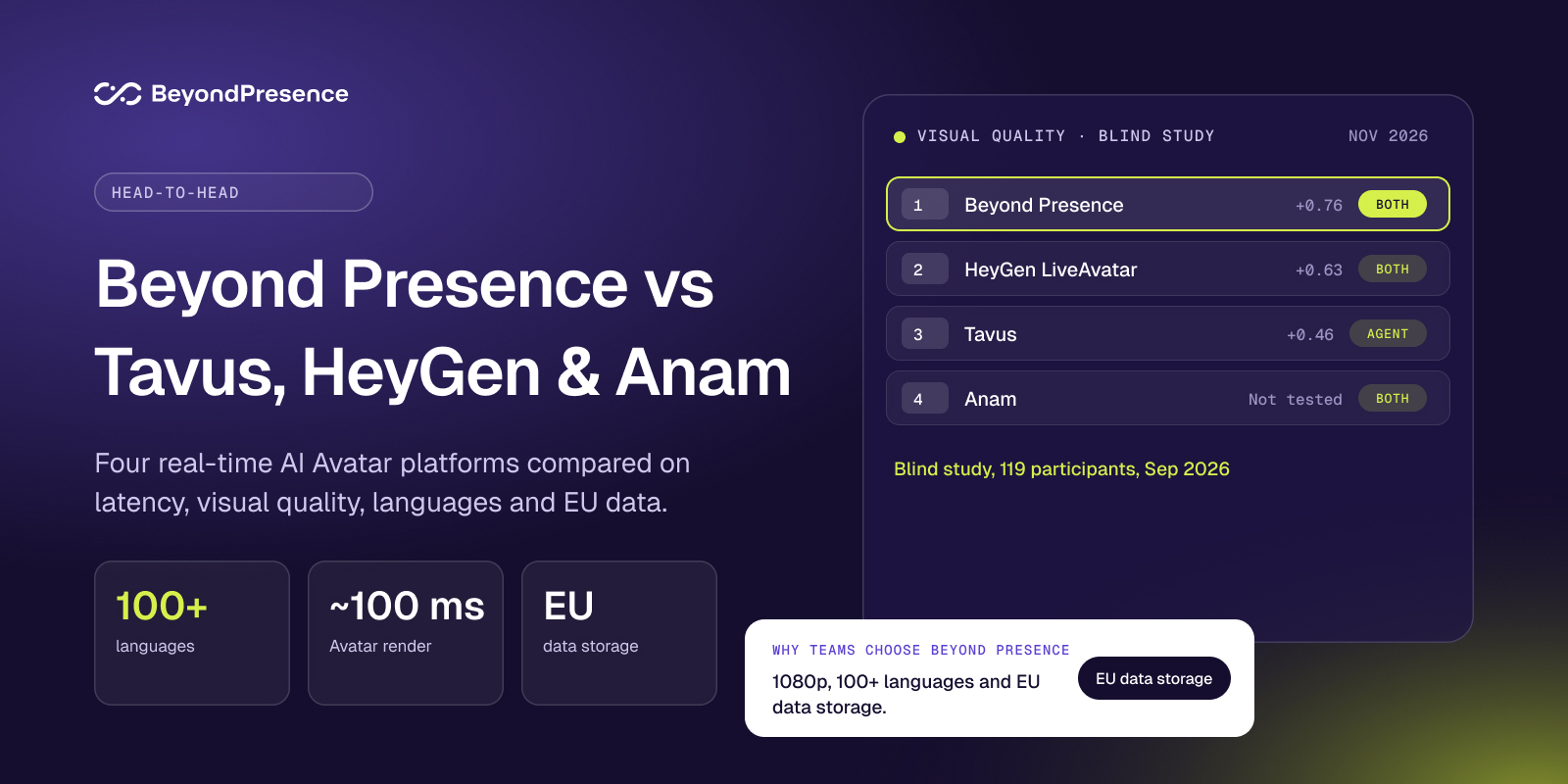
Use Beyond Presence Managed Agents instead: a complete conversational video agent with no code, where the LLM, voice and Avatar are built in. Comparing platforms first? See Beyond Presence vs Tavus vs HeyGen vs Anam and the best AI avatars for enterprise.
Frequently asked questions
How do I add an avatar to a LiveKit agent?
Install the Beyond Presence plugin for LiveKit Agents (livekit-plugins-bey for Python or @livekit/agents-plugin-bey for Node.js), set BEY_API_KEY, and start a bey.AvatarSession with avatar.start(session, room=ctx.room) before session.start. The Avatar joins the room and lip-syncs to your agent's voice.
Does the Beyond Presence LiveKit plugin support Node.js?
Yes. The plugin is available for both Python and Node.js, with the same AvatarSession pattern in each.
Do I need to change my LLM or voice?
No. The Avatar only adds the face. Your speech recognition, LLM and text-to-speech stay the same, and you can swap them later without retraining the Avatar.
How fast is a Beyond Presence LiveKit avatar?
Beyond Presence renders the Avatar in about 100 ms from audio in to first video frame. Total reply time depends on your speech recognition, LLM and voice models.
How much does a LiveKit avatar cost?
Beyond Presence Speech-to-Video costs €200 for 2,000 minutes, plus your own model costs. Managed Agents, the complete agent, costs €349 a month for 2,000 minutes on Scale, and Enterprise rates go down to €0.03 a minute.
Sources
- LiveKit Docs, "Beyond Presence virtual avatar integration guide", checked November 2026. docs.livekit.io
- Beyond Presence Docs, "Speech-to-Video Quickstart" and "LiveKit integration". quickstart, LiveKit integration
- PyPI, livekit-plugins-bey. pypi.org
- Beyond Presence pricing and enterprise pages, November 2026. pricing, enterprise
Related reading: What is a real-time AI Avatar? · Video agent comparison · Best video agents for mid-sized companies
Give your voice agent a face. Get your API key or book a demo.